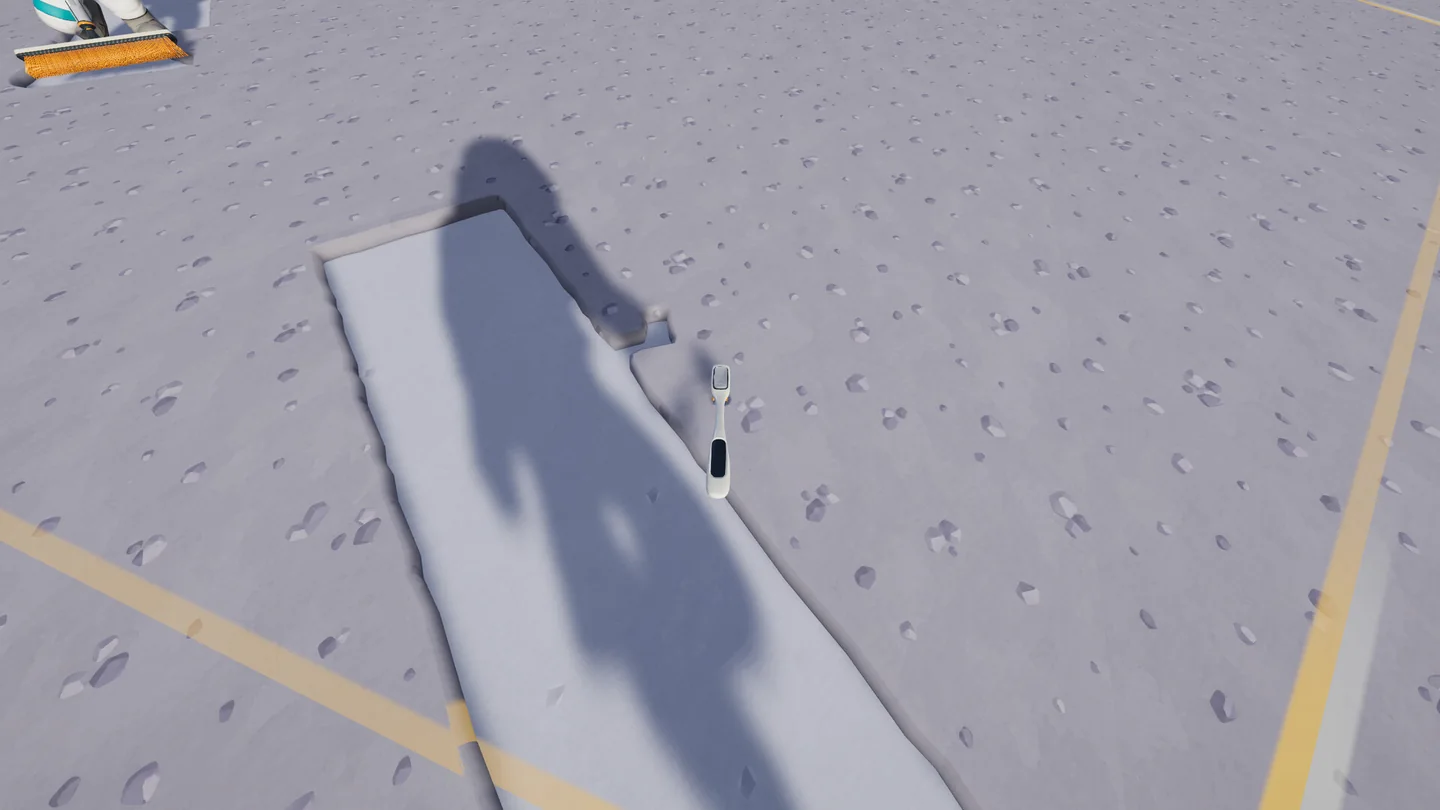
Make your first sale before exploring farther
This Moon Sweepers beginner guide starts with one complete trip. The official game description establishes the sequence: collect lunar dust, take it to a depot and launch shipments for payment. Doing this near the station keeps the return route short while you learn the controls.
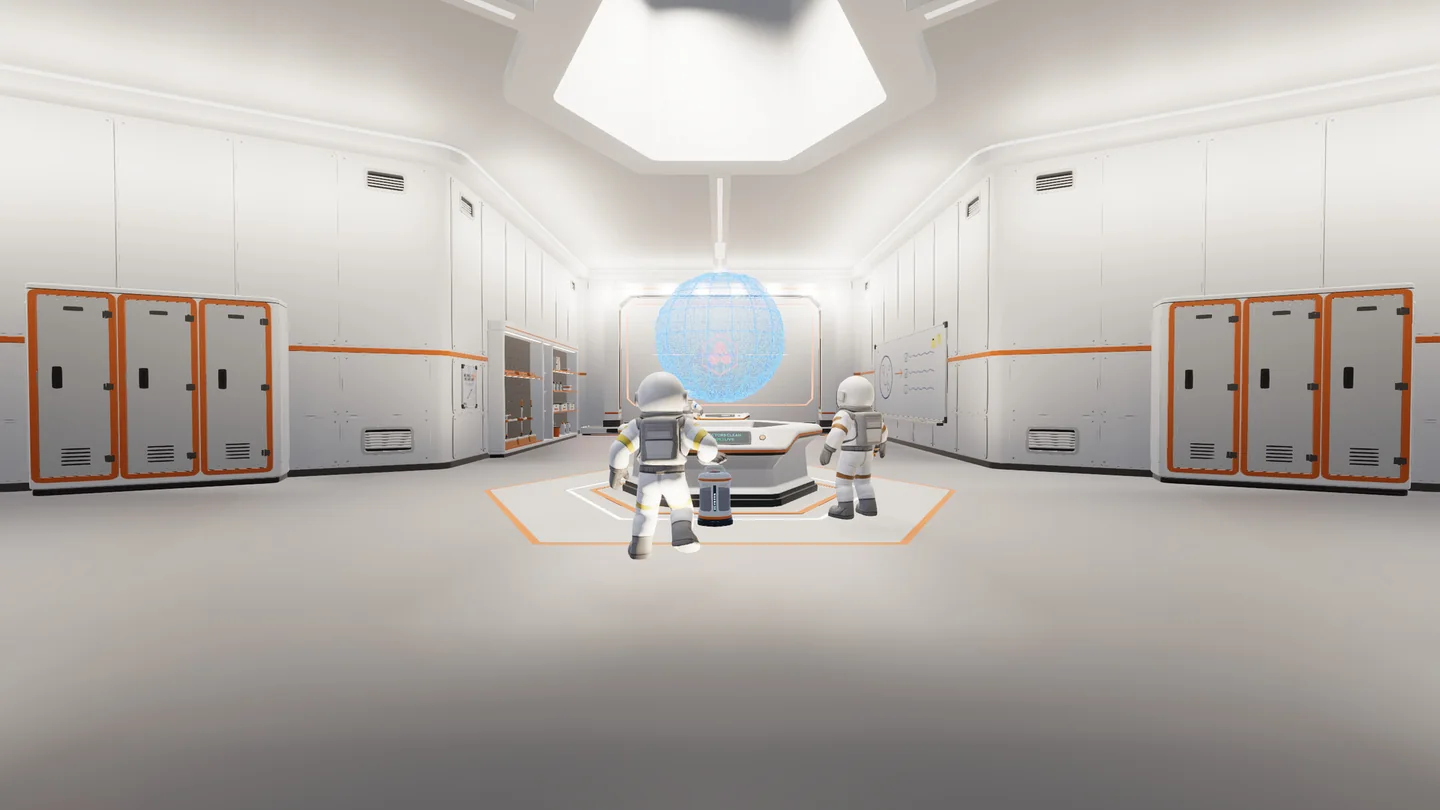
The station is your reference point for the first sweep-and-return route. This overview does not label a specific intake.
Official screenshot · DragDrop Games / Steam ↗Sweep a small, recognizable patch
Equip the starting toothbrush and use the cleaning control shown in your settings. Watch the held tool’s dust gauge. Work along the edge of the same patch so you can see what you have already cleared; random passes make leftover strips harder to find.
Empty the tool when collection stops
A full container is a reason to unload, not to keep sweeping the same spot. The linked player walkthrough shows Q for manual capsule packing. Use your current binding, keep the capsule in sight and avoid scattering loads around the Moon before you know how to deliver them.
Follow the receiving prompt at the depot
Bring the load back to the station’s deposit intake. Use the displayed transfer and shipment controls, then check the intake screen and your balance. Material transferred into a tray and a completed sale are different checkpoints; confirm the payment before leaving.
Repeat once, then decide what to buy
On the next trip, notice whether you spend longer brushing, walking or unloading. This gives you a reason for the next purchase. Buying a wider tool while every trip is mostly walking can leave the main delay unchanged.
Choose the first upgrade by the delay you can see
There is no verified universal first-hour budget here. Prices and prerequisites belong to your current shop and Upgrade Matrix. Use this decision table to narrow your choice, then read the actual price and effect before confirming.
| Your last trip | Next comparison | Check before spending |
|---|---|---|
| Most time spent brushing | A better cleaning tool or a relevant cleaning upgrade | Will you still have enough capacity and a short unload route? |
| Container fills after a few passes | Container capacity | Are you upgrading the tool you plan to keep? |
| Most time spent carrying loads | A nearer transfer point and a Packager route | Budget for the building tool, machine and entire conveyor route. |
| You want to cover a wider area | Vehicle plus garage and unloading connection | Can you afford a complete delivery system, rather than only the vehicle? |
Finish a manageable patch and inspect the map
Choose one nearby sector rather than chasing a whole-Moon percentage. Inspect its edges and narrow strips after your broad passes. When a patch looks empty, use the sector readout to distinguish a small remainder from a display issue.
The v1.0.5 notes fix two specific cases: distant robot-cleaned hexes stuck at 99.9%, and sectors shown as 0% despite having no dust. That does not mean every incomplete sector is a bug. Compare what the map reports with the ground you can still clean, and keep a screenshot of both if they disagree.
Use checkpoints for your first session
Checkpoint 1: money has actually arrived
Complete a small manual delivery and record the change in balance. If money has not arrived, resolve the sale before expanding the route. A warehouse of unsold dust is not an upgrade budget.
Checkpoint 2: one purchase improves one trip
Buy only the improvement you selected, then repeat a comparable cleaning trip. If the new tool fills too quickly, capacity or delivery is now the next decision. Avoid changing several things at once because you lose the comparison.
Checkpoint 3: one transport route works end to end
When carrying becomes repetitive, follow the Packager guide and send one load along a short belt to the intake. Dust and stone delivered by belt are paid on arrival under the v1.0.3 rules. Confirm this before adding processing machines.
Five beginner mistakes and the next useful check
| Symptom or mistake | What to do next |
|---|---|
| Sweeping without collecting | Inspect the active tool’s capacity and unload it. |
| Packing many capsules and leaving them behind | Finish one delivery and keep the next load on a known route. |
| Building a machine without a destination | Trace its output to the receiving intake before feeding more material. |
| Buying every cheap intermediate tool | Compare the improvement with the equipment you are already saving for. |
| Following an old building tutorial literally | In v1.0.5 you can build on dusty ground, move structures and recover the full removal price. |
Questions & answers
Do I need a crew to get started?
No. Steam lists single-player as well as online co-op. The same small collection-and-sale loop is useful when learning alone.
Should I buy a Packager immediately?
Buy it when carrying is the bottleneck and you can also fund its delivery route. It handles dust you bring to it; it does not clean the ground or pay you by itself.
Is there a guaranteed first-hour income?
No verified figure is provided here. Tool choices, route length, crew activity and completed sales all change the result.
Sources & evidence
- DragDrop Games — Steam store ↗
Official game description, languages and Windows requirements.
- DragDrop Games — v1.0.3 ↗
Official shared Upgrade Matrix, conveyor payments and garage management.
- DragDrop Games — v1.0.5 ↗
Official building, catcher routing, garage status and sector fixes.
- Tpose Gaming — Packager walkthrough ↗
Player walkthrough with screenshots; a secondary source for loading controls and the Packager/Auto-Packer distinction.