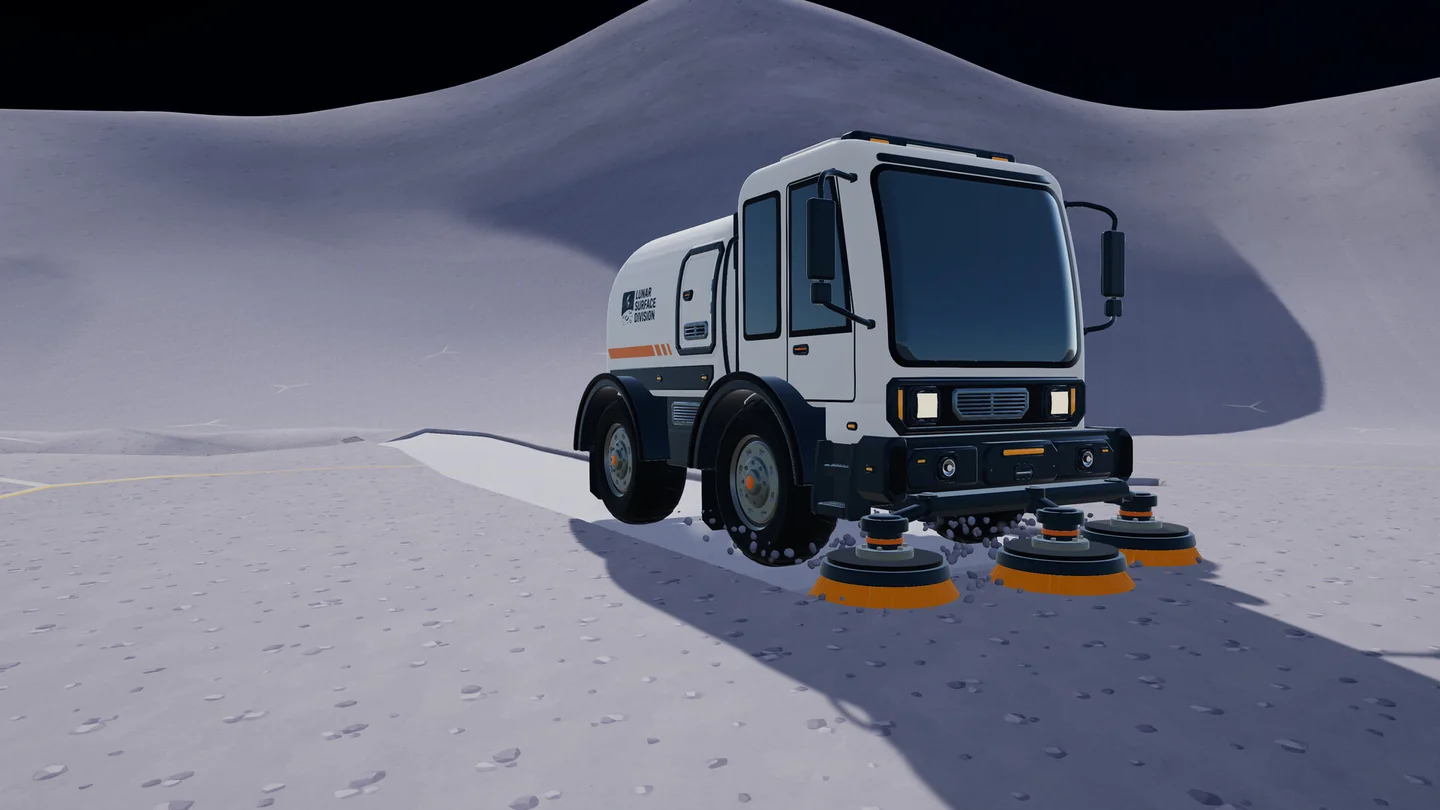
Vehicle management and unloading are separate jobs
The developer’s v1.0.3 notes allow any garage to recall, store and upgrade your owned vehicles. You do not have to return to the exact garage where a vehicle was first acquired to manage it.
The physical unloading system is a different part of the garage. A Steam community report identifies the collector pad beneath the suction hose beside the building, feeding a silo with rear conveyor outlets. Treat this positioning detail as player evidence: align with the collector shown in your own build and check the gauges rather than relying on appearance alone.
| Action | What to inspect | What it does not prove |
|---|---|---|
| Recall or store | The garage vehicle management interface | That the vehicle has unloaded its cargo |
| Unload | Vehicle load falls and silo contents rise | That the silo has an outgoing connection |
| Move silo contents onward | Silo status and the outfeed belt | That an intermediate processor has sold the material |
| Complete delivery | The sale intake and payment | That every other branch is working |
Test unloading with a small vehicle load
Choose a vehicle that actually contains material
Check its load indicator before moving. An empty vehicle gives you no useful unloading test. Keep enough room around the garage to approach the collector without getting trapped by nearby structures.
Align with the collector, then observe
The linked player report places the unloading area beneath the hose alongside the garage, rather than at an arbitrary point inside the building. Move carefully into position and watch for the vehicle load to decrease and the silo amount to rise.
Read the silo’s exact status
In v1.0.5 the garage silo displays a specific explanation, including “Connect a conveyor belt to its outfeed” when it lacks the outgoing connection. Use that message to distinguish positioning problems from downstream transport problems.
Connect and follow the output
Run a short belt from the silo’s outfeed to a compatible receiver. Check every join and the direction of travel. Observe the silo draining and then the destination accepting material; only the complete route establishes delivery.
Garage not unloading? Check both gauges
Avoid repeatedly recalling the vehicle while ignoring a full silo. A recall changes the vehicle’s location, whereas a blocked outfeed leaves the receiving capacity unchanged. If the status persists after a change, record its exact wording and the two gauge values so the report identifies the failed stage.
| Vehicle load | Silo behaviour | Next check |
|---|---|---|
| Unchanged | Has space | Vehicle alignment with the collector and the current interaction prompt |
| Unchanged | Full | Outfeed connection, belt queue and destination capacity |
| Decreasing | Increasing | Unloading works; check whether the silo is also draining |
| Empty | Still contains material | Outgoing route rather than the vehicle’s position |
| Any | Reports a missing outfeed | Connect the belt to the actual output port |
| Any | Drains but no income | Whether material reaches a processor or the final sale intake |
Moving or removing a garage
Since v1.0.3, removing a garage does not delete its vehicles: they are moved to another garage, or remain available when you build one again. This is a vehicle-management rule; it is not evidence that every stored material or belt connection survives every rearrangement.
For layout changes, v1.0.5 adds free Move Mode to the building tool. Press R while using the tool, select the structure and reposition it; belts follow only within their reach. Recheck vehicle access, the collector approach and silo output afterward.
The same patch gives full refunds for removed structures. Do not extend that statement to every vehicle, upgrade or other purchase. If your goal is simply to improve access, moving the structure may be clearer than removing the whole unloading route.
Leave space for the whole unloading cycle
Plan an approach, the collector stop and a departure path. Put the silo’s first belt segment where it remains visible from the unloading area. A tidy garage front is less useful if the vehicle must reverse through your processing line.
Before adding another garage, determine whether the wait is caused by vehicle access, silo storage or the shared destination. A second unloading point feeding the same blocked intake may only create a larger queue. Use the automation guide to test the downstream stages separately.
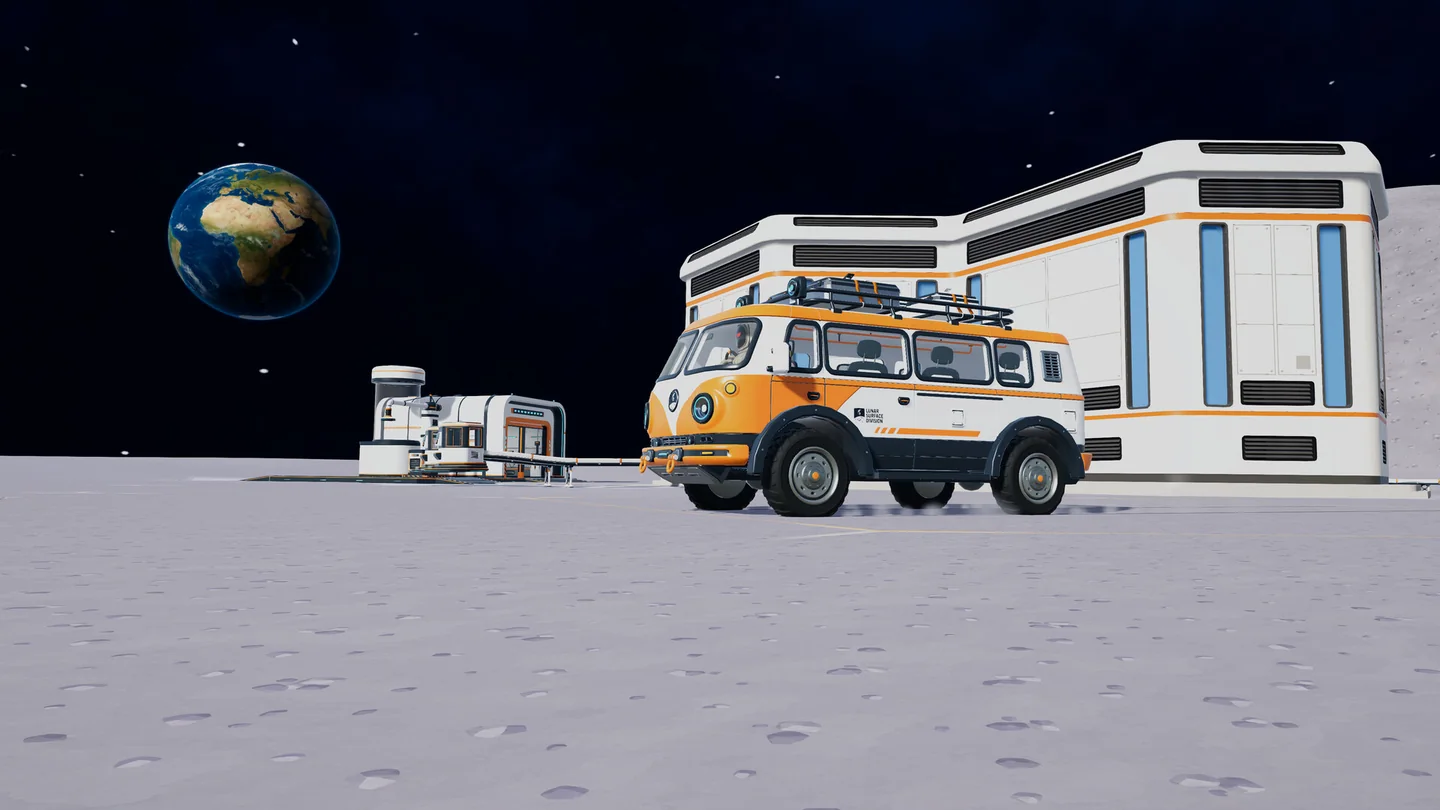
Leave room around buildings for vehicle access. This scene illustrates clearance, not the garage collector pad or a verified unloading position.
Official screenshot · DragDrop Games / Steam ↗Questions & answers
Can I use a different garage to recall my vehicle?
Yes. The v1.0.3 developer notes say any garage can recall, store and upgrade your owned vehicles.
Will removing the garage delete my vehicles?
The documented v1.0.3 rule preserves them by moving them to another garage or making them available when a garage is built again.
Does storing a vehicle sell its dust?
Do not treat storing, unloading and selling as the same action. Check the vehicle load, silo and final intake separately.
Why does the silo ask for an outfeed connection?
Its material needs an outgoing conveyor. Connect the actual outfeed port, then check the next receiver if the silo still cannot drain.
Sources & evidence
- DragDrop Games — v1.0.3 ↗
Official shared Upgrade Matrix, conveyor payments and garage management.
- DragDrop Games — v1.0.5 ↗
Official building, catcher routing, garage status and sector fixes.
- Steam Community — garage unloading discussion ↗
Player report on the collector pad and rear belt outlets, not a developer specification.