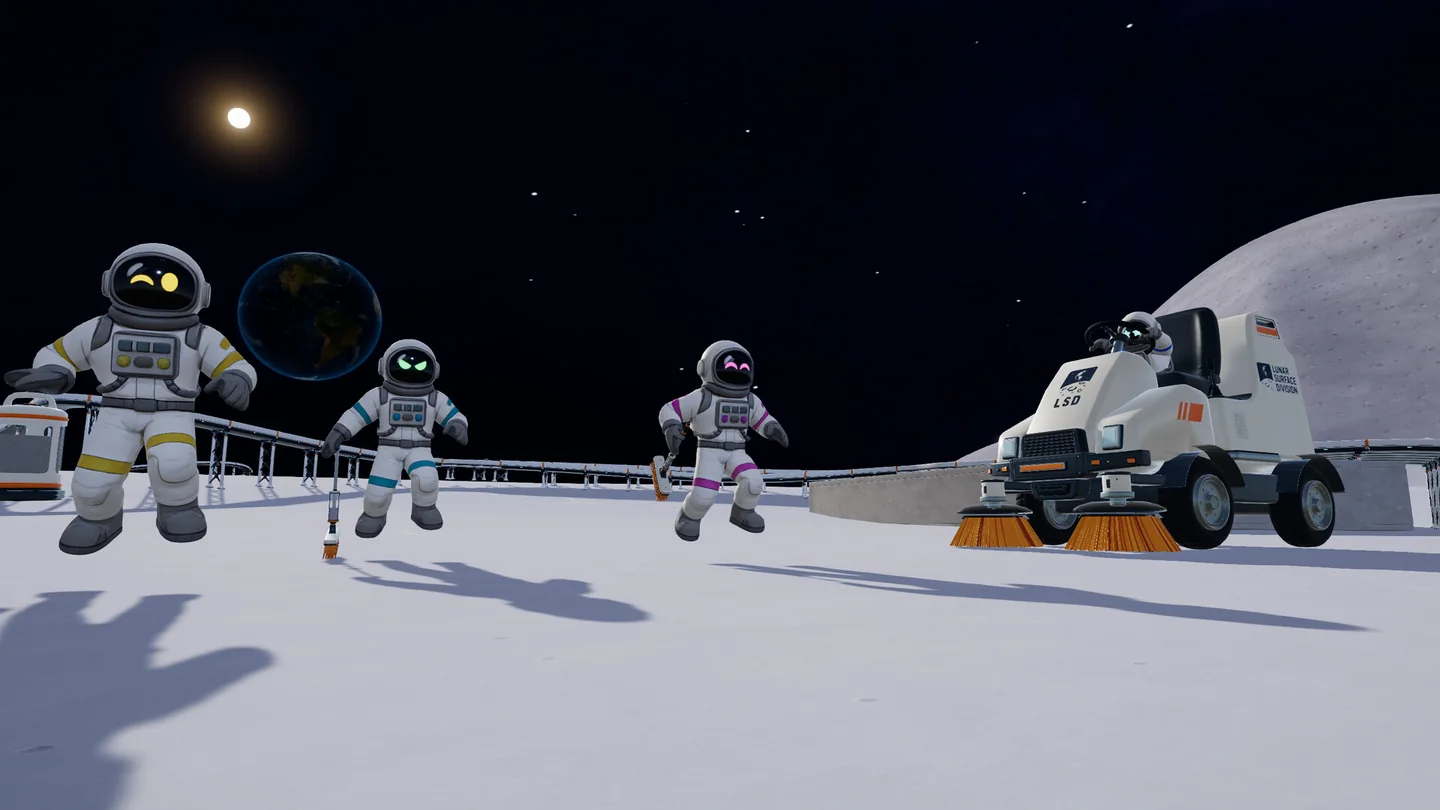
Which platforms are confirmed?
| Platform | Evidence status | What to do |
|---|---|---|
| Windows PC / Steam | Confirmed by the official store listing | Compare your PC with the listed system requirements. |
| PlayStation / PS5 | No release confirmed in the sources checked | Wait for a developer announcement or official store page. |
| Xbox | No release confirmed in the sources checked | Do not treat a speculative article as a release date. |
| Nintendo Switch | No release confirmed in the sources checked | Check official announcements for a named platform. |
| macOS | No native macOS version confirmed by the listing checked | Do not assume ownership of the PC version provides a native Mac build. |
| Linux / Steam Deck | v1.0.4 documents a startup compatibility fix | Check current compatibility and device-specific reports; do not infer Verified status. |
Compare your PC with the Steam requirements
A minimum specification is a compatibility starting point, not a guarantee of a particular frame rate at every resolution or in every factory. Large builds, background applications and graphics settings can change performance. Compare the exact GPU model rather than only its memory size.
Before installing, check the live Steam requirements again, confirm available disk space and update through the official Steam client. This site does not provide a browser version, an unofficial download or a game installer.
| Component | Minimum | Recommended |
|---|---|---|
| Operating system | Windows 10, 64-bit | Windows 11, 64-bit |
| CPU | Intel Core i5-8400 / AMD Ryzen 5 2600 | Intel Core i5-10400 / AMD Ryzen 5 3600 |
| Memory | 8 GB RAM | 16 GB RAM |
| Graphics | NVIDIA GTX 1650 / AMD RX 570 | NVIDIA GTX 1660 Super / AMD RX 5600 XT |
| DirectX | Version 11 | Version 12 |
| Available storage | 2 GB | 4 GB |
| Network | Broadband Internet connection | Broadband Internet connection |
What the Linux and Steam Deck fix actually says
The v1.0.4 developer notes address a startup problem affecting Linux or Steam Deck setups using older Proton versions. That is evidence of a specific compatibility fix. It does not establish native Linux support, a Verified badge, controller parity or a frame-rate guarantee.
If the game does not start, first confirm the installed game build and inspect the current compatibility information on Steam. Record the Proton version and the error you see before changing multiple settings. A reproducible error is more useful than a general report that a device “does not work”.
For a purchase decision, use the current store compatibility information and official support channels. Avoid treating an old community success report as a promise for a different device, operating-system version or graphics setting.
Co-op and language support are separate checks
The Steam listing supports solo play and online co-op for up to 16 players. That player limit does not confirm cross-platform play with an unannounced console version. Plan a group around the versions and platforms the developer actually supports.
Korean interface support is listed. Interface text and full audio are separate entries in Steam’s language table, so do not read a Korean interface checkmark as a promise of Korean voice acting. The Korean guides on this site explain the game in Korean and retain English item names where that helps match the interface.
A short checklist before buying or installing
Open the official listing
Use the Steam source below and confirm the game title and developer details. This guide does not set the current price, regional availability or sale schedule.
Check the platform, then the hardware
Verify operating-system support first. Then compare the CPU, GPU, RAM and free storage with the listed requirements. A console controller connected to a PC does not make the game a console release.
Check your reason for playing
For co-op, confirm your group can use the supported version. For Korean, inspect the interface-language entry. For a handheld, check the current compatibility information separately from the general PC requirements.
Use official help for purchase problems
Steam handles Steam purchases and account issues. Our contact address is for website corrections; we cannot access your library, refund a purchase or repair your account.
Questions & answers
Is Moon Sweepers on PS5?
A PS5 release is not confirmed in the official sources checked for this guide. The confirmed listing here is for Windows PC on Steam.
Is it on Xbox or Nintendo Switch?
Neither release is confirmed by the linked evidence. No console release date is supplied or inferred.
Is Moon Sweepers Steam Deck Verified?
The cited patch note documents a startup fix, not a Verified rating. Check the current Steam compatibility label for the game.
Can I play in Korean?
The Steam listing confirms Korean interface support. That is different from full Korean audio.
Sources & evidence
- DragDrop Games — Steam store ↗
Official game description, languages and Windows requirements.
- DragDrop Games — v1.0.4 ↗
Official robot behavior, catcher capacity, map and teleport features.