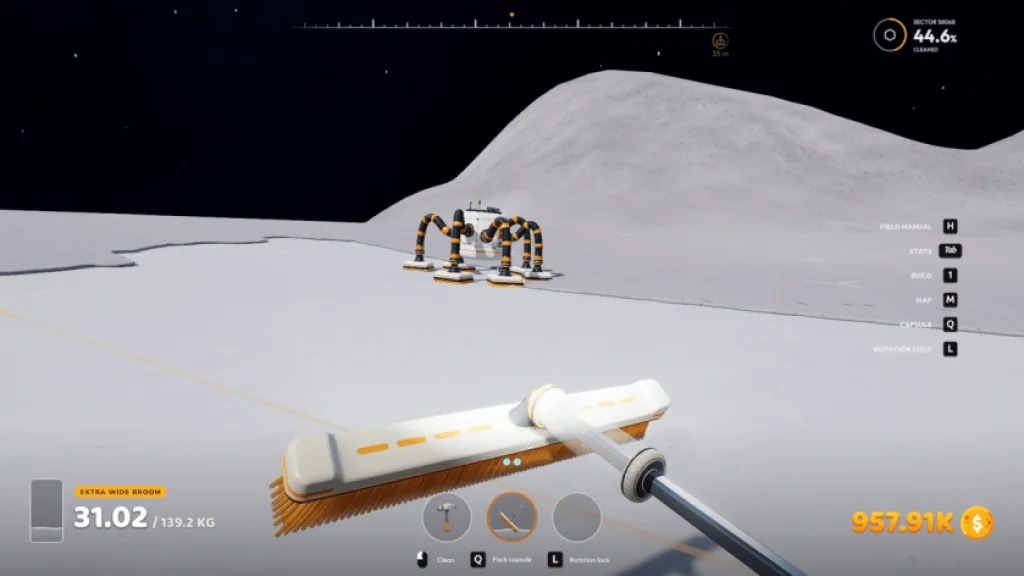
What the robot does—and what the catcher does
J.O.O.N.A.S. is the collection part of a longer delivery route. The v1.0.4 developer notes describe robots cleaning one hex at a time, working from the outside inward and skipping positions they cannot reach. Capsules launch to a catcher without the robot returning to its dock for each delivery.
A Capsule Catcher receives those deliveries. The linked third-party code analysis distinguishes direct payment without an output belt from a connected conveyor route. We have not tested that branch in-game. Check the current building description and observe the result before treating a missing belt as a fault.
| Part | Role | Check in your save |
|---|---|---|
| J.O.O.N.A.S. | Cleans reachable dust and dispatches capsules | Activity, accessible ground and bin gauge |
| Capsule Catcher | Receives capsules and holds material | Stored amount and available capacity |
| Optional outgoing conveyor | Routes material when you choose a conveyor setup | Inspect the actual port and downstream receiver in your game |
| Final receiver | Accepts material for sale or the next process | Correct input and capacity to receive |
Commission one robot and one receiving route
Check the current purchase and deployment prompts
Use the in-game robot interface for its requirements and controls. This guide does not give an unverified unlock price or level. Place the first work area where you can observe both the robot and its receiving setup.
Choose and verify the receiving path
Read the catcher’s current description. For a direct-sale test, observe what happens after it receives a capsule without an output belt. For a conveyor setup, inspect the actual output connection and follow the material to the intended receiver. Do not assume both paths have the same payment timing.
Observe a complete collection cycle
Watch the robot clean, dispatch a capsule and reduce its load. Then watch the catcher receive it. For direct selling, check the sale result; for a conveyor route, check that material travels onward. Investigate the first missing change before expanding.
Test with the player elsewhere in the active world
The v1.0.4 notes fix robots going idle when players are not nearby. Moving away in a running world is different from closing the game. Do not assume that collection continues while the save is offline.
The 100-metre grouping and 80% switching rules
1 / Nearest group has space
B is selected in the nearest group, even though C in the next group is emptier.
2 / Every catcher is over 80%
Both A and B exceed 80%, so selection moves to the next group.
Illustrative fill levels, not measured production. The 100 m rule is not a robot cleaning radius.
The v1.0.5 patch changes catcher selection from simply favouring the nearest catcher to choosing the emptiest catcher in the nearest group. The developer defines a group using catchers within 100 metres of each other. That distance describes catcher grouping, not a confirmed maximum robot work radius.
The group is skipped only when every catcher in it is over 80% capacity. Suppose one catcher is at 90% and another is at 40%: the group still has an eligible, less-full catcher. If both are over 80%, the robot looks for the next group. These percentages illustrate the documented rule; they are not measured throughput results.
If a nearby group keeps refilling, check which receiving path you are using. On a connected conveyor route, inspect the actual output and downstream capacity before adding storage. Avoid relying on an exact boundary measurement: inspect behaviour after placement and leave room to reposition.
Use the visible symptom to choose the next check
| Symptom | Check | Useful result |
|---|---|---|
| Red bin gauge | Catcher capacity; the connected delivery route if you use one | Storage falls and the robot can dispatch again. |
| One catcher fills while another stays empty | Installed version and whether they form the intended group | The emptiest catcher in the selected group receives material. |
| No activity in an apparently dirty sector | Reachable ground, robot status and map filters | You can identify an accessible unfinished area. |
| Robot stops when you leave | Whether the v1.0.4 fix is installed | It continues working in the active world. |
| Catcher accepts but income stays flat | Check the sale result, or trace the conveyor route if connected | You identify which receiving path is active and where its result stops. |
| Many robots wait together | Shared receiving bottleneck before individual robots | A common full catcher or blocked output is identified. |
Expand by capacity, not robot count
Observe which stage fills first during a normal run. On a conveyor setup, a full catcher suggests checking transport and the destination; a consistently empty route may indicate collection or access is limiting it. For a direct-sale setup, observe payment rather than looking for capsules on an unconnected belt.
Use the map’s robot type and activity filters to find the relevant unit instead of searching every vehicle icon. Keep a note of its status, the catcher levels and the installed version when reporting a failure. A screenshot of only the robot rarely explains a blocked receiving network.
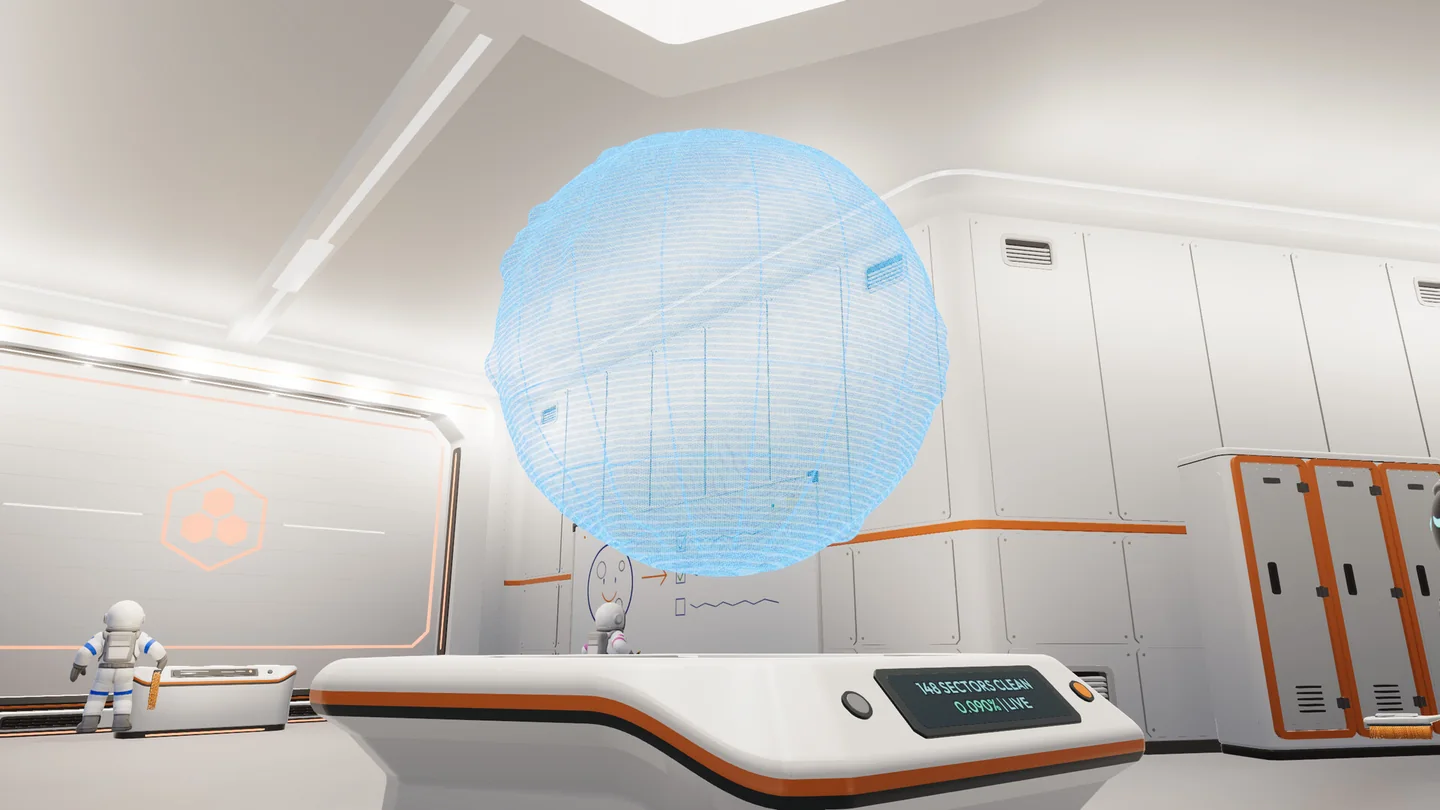
Use the in-game map to orient yourself and compare progress. This official store image shows the console, not every control added in later patches.
Official screenshot · DragDrop Games / Steam ↗Questions & answers
Does J.O.O.N.A.S. need to return to its dock to unload?
Under the v1.0.4 behaviour it launches capsules from the field to a catcher instead of making a dock trip for each load.
Is 100 metres the robot’s maximum cleaning range?
The v1.0.5 note uses 100 metres to describe catcher groups. It does not establish a universal maximum cleaning radius.
Does the robot work while the game is closed?
The documented fix concerns players being far away inside an active world. It is not a promise of offline production.
Why does it ignore a different catcher?
Check the group, fullness and version first. In v1.0.5 the robot chooses the emptiest catcher in the nearest group, and changes groups when every catcher there is over 80% full.
Sources & evidence
- DragDrop Games — v1.0.4 ↗
Official robot behavior, catcher capacity, map and teleport features.
- DragDrop Games — v1.0.5 ↗
Official building, catcher routing, garage status and sector fixes.
- MoonSweepers.me — catcher code analysis ↗
Third-party static analysis reports direct payment without a belt and a separate connected conveyor path. Runtime behaviour and timing are not independently verified here.